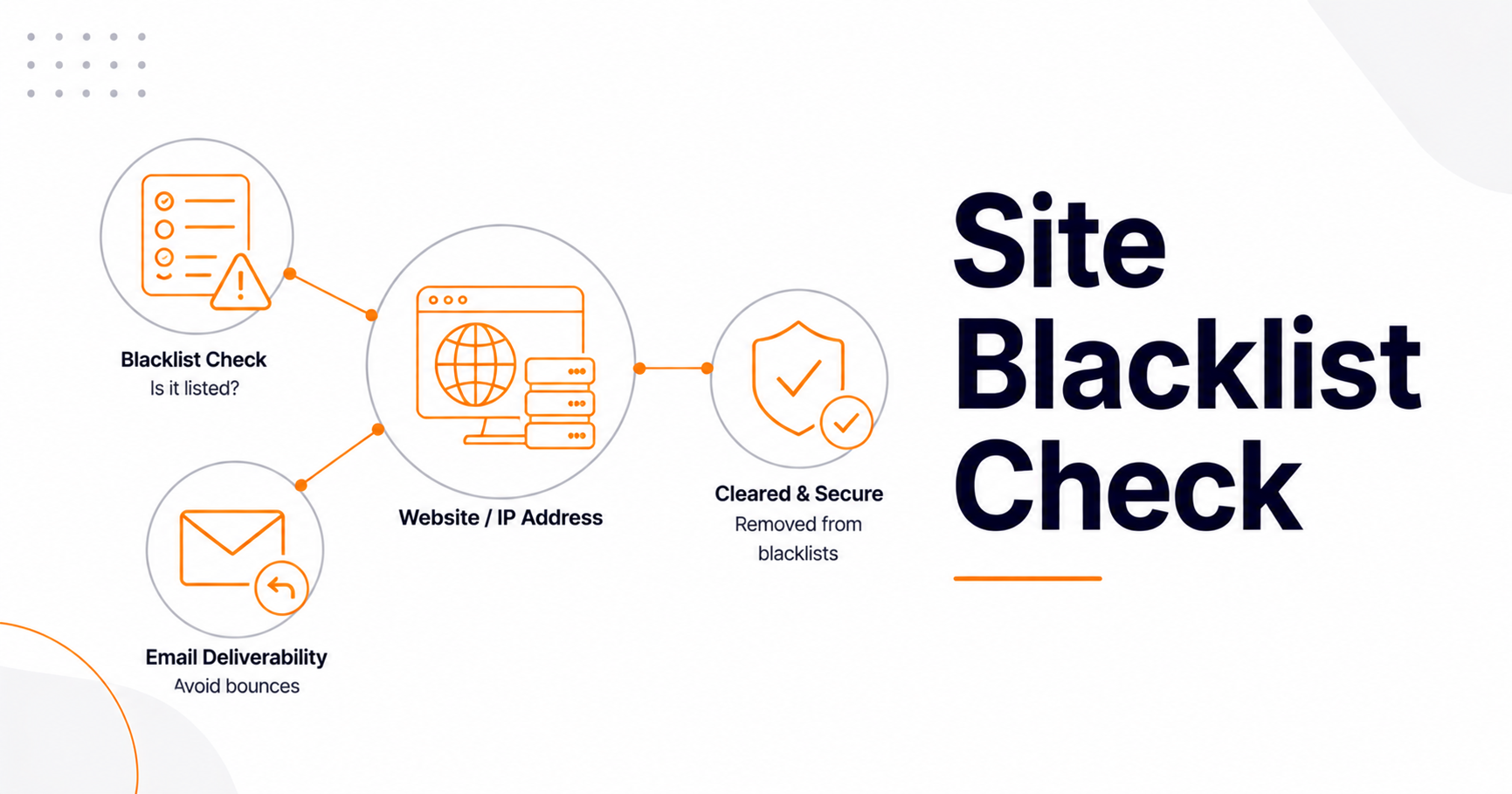
Is My Site Blacklisted? How to Check and Fix It

If your site or mail server is blacklisted, its IP or domain has been flagged on a blocklist used to filter spam, malware, or unsafe sites—and the fix is always the same two steps: find which list you're on, then resolve the root cause before requesting removal. A blacklisting usually shows up as emails bouncing or landing in spam, or as a browser warning that your site is "dangerous." It's a fixable problem, but delisting only sticks if you address why it happened.
This guide explains the two different kinds of blacklists, how to check whether you're on one, why it happens, how to get removed, and how to stay off them for good.
Two very different kinds of "blacklist"
First, clarify which problem you have, because they're separate systems. An email/IP blacklist (DNSBL) is a list of IP addresses or domains suspected of sending spam or malware; mail servers query these to decide whether to accept your email. This affects deliverability. A safe-browsing/malware blacklist, like Google Safe Browsing, flags sites hosting malware or phishing; this triggers red browser warnings and security notices in Google Search Console, and hurts your traffic and SEO. The causes and cures differ, so identify which one you're facing first.
How to check if you're blacklisted
For email/IP blacklists, the fastest route is to run your sending IP or domain through a multi-list checker. Our Blacklist Checker queries the major anti-spam lists at once and tells you where you're listed. If you're not sure which IP your mail actually sends from, find it with our What Is My IP tool, and confirm what IP your domain resolves to using Domain to IP. Check your DNS configuration—including mail-related records—with Find DNS Record. For the malware/safe-browsing type, check Google Search Console's Security Issues report, which tells you directly if Google has flagged your site.
Know which list you're on (they're not all equal)
Spamhaus is the most influential email blacklist, and it's actually several different lists: SBL flags confirmed spam sources, XBL flags compromised or botnet-infected IPs and open proxies, and PBL simply marks dynamic/residential IPs that shouldn't be sending mail directly (a policy, not an accusation). Treating these as one generic "Spamhaus blacklist" is a common mistake that leads to failed removal requests. Other notable lists include Barracuda and SpamCop. Major providers like Gmail and Outlook don't publish their own public lists but heavily reference these, plus their own internal reputation systems.
Why you got listed
The usual causes are a compromised email account or server being used to send spam, a malware infection on your site, an open mail relay, an exploited contact or comment form pumping out spam, a poor sending reputation from high bounce or complaint rates, or simply sharing an IP with a bad neighbor on cheap hosting. In 2026, with email authentication essentially mandatory, a listing is often a signal of a deeper security problem rather than a mere deliverability hiccup—so fix the security gap first.
How to get delisted
Follow this order, because requesting removal before fixing the cause just gets you relisted within hours:
First, identify the exact list from your blacklist check. Second, fix the root cause—secure or reset compromised accounts (strong, unique passwords matter here, as covered in our guide to creating a strong password, since account compromise is a top cause), remove malware, close any open relay, add CAPTCHAs to public forms, and review your mail logs for the source. Third, submit a removal request on the specific list's website using the correct form for your listing type. Timelines vary: SpamCop often auto-delists within about 24 hours once reports stop, and Spamhaus typically processes legitimate requests within roughly 1–72 hours. Some lists remove you automatically after 24–48 hours with no new reports. For a Google Safe Browsing flag, clean the malware or hacked content, then request a review in Search Console.
How to stay off blacklists
Prevention is far easier than recovery. Lock in the email authentication trio—SPF, DKIM, and DMARC—which are effectively required for inbox delivery in 2026 and prevent spoofing that can get you listed. Keep your mailing lists clean with double opt-in and prompt bounce removal, aim to keep your bounce rate under about 2% and spam complaints under 0.1%, secure every account with strong passwords and 2FA, keep your CMS and plugins patched to avoid malware, and monitor your IP and domain reputation regularly. A periodic scan of your overall site health with our Website SEO Score Checker helps you catch problems early, and understanding what your IP address reveals rounds out the picture.
Frequently asked questions
How do I know if my website is blacklisted?
Run your domain and sending IP through a blacklist checker that queries multiple anti-spam lists at once, and check Google Search Console's Security Issues report for malware or phishing flags. Bouncing emails or spam-folder placement usually point to an email/IP blacklist, while browser warnings point to a safe-browsing flag.
Why did my IP get blacklisted?
Most often because spam was sent from your IP—through a compromised account, malware, an open relay, or an exploited web form—or because of a poor sending reputation from high bounce and complaint rates. On shared hosting, a "bad neighbor" on the same IP can also cause it. Identify and fix the cause before requesting removal.
How long does it take to get delisted?
It varies by list. SpamCop often removes listings automatically within about 24 hours once spam reports stop, and Spamhaus typically processes valid requests within 1–72 hours. The key is fixing the underlying issue first—otherwise you'll be relisted, sometimes within hours.
How can I prevent getting blacklisted again?
Set up SPF, DKIM, and DMARC, keep your email lists clean with double opt-in and bounce removal, maintain low bounce and complaint rates, secure accounts with strong passwords and 2FA, patch your site to prevent malware, and monitor your reputation regularly. Prevention is much easier than repeated delisting.
Final thoughts
A blacklisting feels alarming, but it's a solvable problem with a clear sequence: confirm which list flagged you, fix the real cause—usually a security gap or sending-reputation issue—then request removal and verify it sticks. Pair that with the authentication and hygiene habits above, and you'll keep your emails landing in inboxes and your site free of browser warnings. Treat your IP and domain reputation as an asset worth protecting, and blacklists stop being a recurring headache.