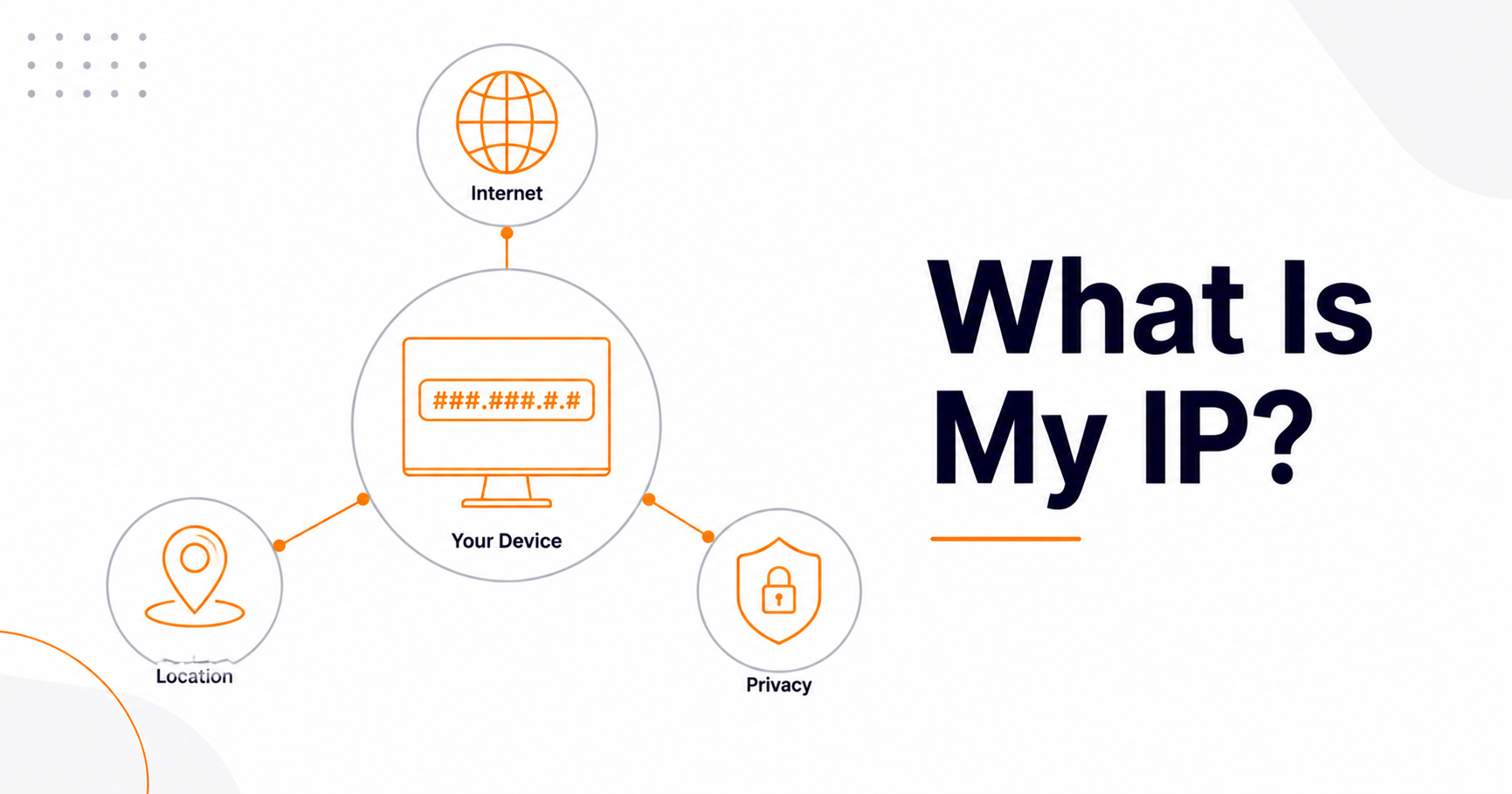
What Is My IP Address and Why It Matters

Your IP address is the unique numerical label your network uses to identify your device on the internet—like a return address that lets websites and services know where to send the data you request. Every time you load a page, stream a video, or send an email, yours is part of the exchange. It's essential to how the internet works, but it also reveals more about you than most people realize, which is why it's worth understanding.
This guide explains what an IP address is, the difference between the types, what yours actually reveals (and what it doesn't), why it matters for privacy and security, and how to check or protect it.
What an IP address actually is
IP stands for Internet Protocol, and the address itself is a string of numbers assigned to your connection so data can find its way to and from your device, much like a postal address routes mail. Without it, the servers you contact would have nowhere to send their responses. You can see your own public address instantly with our What Is My IP tool.
Public vs. private IP addresses
There are two kinds, and people often confuse them. Your public IP is assigned by your internet service provider and is how the wider internet sees your entire network—it's shared by all the devices on your home or office connection. Your private IP is assigned by your router to each device inside your local network (your laptop, phone, smart TV) so they can talk to each other. The outside world only ever sees your public IP; private IPs stay behind your router.
IPv4 vs. IPv6
You'll encounter two formats. IPv4 looks like 192.168.1.1—four numbers separated by dots—and has been the standard for decades. Because the world ran out of available IPv4 addresses, IPv6 was introduced: a much longer format using letters and numbers (like 2001:0db8:85a3::8a2e:0370:7334) that provides a virtually unlimited supply. Most networks now support both, and your device may use either depending on your connection.
What your IP reveals—and what it doesn't
This is the part that matters for privacy. Your public IP can reveal your approximate location (usually only the wider city or region, not your street address), your internet service provider, and the rough type of connection you're using. Websites use this for things like showing local content, currency, or language. You can see the kind of information attached to any address with our IP Address Location tool.
What your IP generally does not reveal is your exact home address, your name, or your identity on its own. That information sits with your ISP and isn't handed out publicly. So while your IP is a meaningful piece of the privacy puzzle, it isn't a direct line to your front door.
Why your IP address matters
It matters in a few practical ways. For privacy, it's one of the signals advertisers and websites use to approximate who and where you are. For security, an exposed IP can be a target for attacks like denial-of-service attempts, which is one reason people mask it. For access, geolocation by IP is what enables (and restricts) region-specific content. And for troubleshooting, knowing your IP helps with network diagnostics, configuring devices, and whitelisting access.
How to protect or hide your IP
If you'd rather not expose your real public IP, you have a few options. A VPN (virtual private network) routes your traffic through another server, so sites see the VPN's IP instead of yours—the most common and user-friendly method. A proxy server does something similar for specific apps or browsers. The Tor network offers stronger anonymity by bouncing traffic through multiple relays, at the cost of speed. Whichever you choose, pair it with the account-level protections in our guide to creating a strong password, since network privacy and account security work together.
Related lookups worth knowing
A few related tools help you understand the bigger picture. To see which IP a website resolves to, use our Domain to IP tool. To inspect a domain's underlying configuration—its A, MX, and other records—try the Find DNS Record tool. And if you run a mail server or website and worry your IP may have been flagged for spam, our Blacklist Checker tells you whether your address appears on common blocklists.
Why does my IP location show the wrong city?
Type your address into a lookup tool and you may see a city forty miles away. That is normal. IP geolocation is not GPS. It is a lookup in a database that maps blocks of addresses to places, and those databases are built from clues.
The clues include registry records that internet providers file, the location of the network gear that serves you, and traffic data the database vendors collect. None of that is a house number. Country-level accuracy is usually strong. City-level accuracy is decent in dense urban areas and poor in rural ones.
Four things throw it off badly.
- Mobile networks. Carriers route traffic through a small number of large gateways, so a phone in Newark can look like a phone in New York, and a phone in Leeds like a phone in London.
- Business and campus networks. A company often registers a whole range to a head office in another country.
- VPNs and proxies. The lookup returns the server location, which is the whole point of using one.
- Stale records. Providers reassign blocks of addresses, and the databases catch up slowly.
Here is my honest opinion. Most people do not need a paid VPN for everyday browsing. Your provider can already see which sites you connect to, and a VPN mostly moves that view to the VPN company. Buy one if you live on hotel and airport Wi-Fi, if your employer requires it, or if you have a concrete reason to change your visible region. Otherwise put the money into a password manager, which protects far more of your life.
Why do you share one IP address with strangers?
The world ran out of spare IPv4 addresses years ago. You can see how completely the space is carved up in the global registry of IPv4 blocks, where the whole range is now accounted for. Providers worked around the shortage with carrier-grade network address translation, usually shortened to CGNAT. Translation lets one public address serve many private ones behind it. Providers now do that at scale, so hundreds of subscribers can leave the network through a single public IP.
You can often spot it yourself. Log into your router and look at the address on its internet side. If it sits between 100.64.0.0 and 100.127.255.255, you are almost certainly behind CGNAT, because RFC 6598, which reserved that range, set it aside for exactly this purpose. Mobile data connections work this way nearly all the time. If you want to see why that range looks so arbitrary, run 64 and 127 through our decimal to binary converter. They share the same opening digits, which is what defines the block.
The practical consequences are real.
- Port forwarding does not work without provider support, so hosting a game server, a camera feed or a home lab becomes awkward.
- A stranger's behavior becomes your problem. Rate limits, CAPTCHA challenges and outright bans land on the shared address.
- Whitelisting by IP is fragile, because the address your traffic exits from can change without notice.
- Regional content can be wrong for you, because the shared address maps to one broad area rather than your actual town.
If any of that matters to you, ask your provider for a dedicated public address. Many sell one for a few pounds or dollars a month. Some offer IPv6 as well, which sidesteps the shortage, because there are enough addresses to give every device its own. You still open your firewall for inbound connections, and IPv4-only services keep you on the shared path.
Dynamic or static: what actually changes your IP?
Home connections nearly always use a dynamic address. Your router asks the provider for one over DHCP, the Dynamic Host Configuration Protocol, and holds it on a lease for a set time. Long before the lease runs out, the router renews it, and it usually gets the same address back. That is why your IP can sit still for weeks and then jump overnight.
Things that usually do change your public IP:
- A long power cut or a router left unplugged, because the lease expires and a new address gets handed out.
- A line fault, provider maintenance, or a replacement router.
- Moving between networks. Home Wi-Fi to mobile data, or the office to a cafe.
- Switching on a VPN or proxy, which replaces the address that websites see.
Things that do not change it:
- Clearing cookies, opening a private window, or changing browser.
- Restarting your laptop or phone on the same network.
- Reinstalling your operating system, which changes nothing outside your own network.
A static address stays fixed. Providers usually sell one as a business add-on, and it earns its keep when you run a mail server, a remote access endpoint, or anything other systems must reach by address. For occasional remote access, dynamic DNS costs less and works well. If you are building that setup on a name of your own, start with our domain name search.
How can a shared IP damage your email delivery?
Addresses carry reputation. Mail providers score the sending IP alongside the sending domain, and blocklist operators publish lists of addresses caught sending spam. Send your mail from a shared server and you inherit whatever the other tenants did last week.
The pattern is familiar to anyone who runs a small site. Your newsletter starts landing in spam folders. Nothing changed on your side. A neighbor on the same host ran a bad campaign, the address got listed, and your mail followed it down.
Four moves fix most of it.
- Find out who hosts you and whether that host's address is already listed. Our domain hosting checker shows the provider behind a domain and screens its IP against blocklists. Your outbound mail may leave from a different address, so check your sending records too.
- Follow a real delisting process instead of guessing. Our guide on what to do when your site is blacklisted walks through it.
- Authenticate your mail. Sender Policy Framework (SPF), DomainKeys Identified Mail (DKIM) and Domain-based Message Authentication, Reporting and Conformance (DMARC) records tell receiving servers you are genuine.
- Warm a new address up slowly if you move to a dedicated one. Volume spikes look like spam.
Websites face a milder version of the same story. In my view the shared hosting penalty myth is overblown. I have yet to see convincing evidence that a neighbor's spam sinks your rankings on its own, and the signals you control matter far more. A clean certificate and a solid setup pay you back sooner, which our piece on HTTPS and security signals covers in detail.
Is my IP address personal data in Europe?
Usually yes, and that catches a lot of site owners out. The General Data Protection Regulation, better known as GDPR, defines personal data as information relating to an identifiable person, and online identifiers sit inside that definition. European regulators have treated IP addresses as personal data in many situations. This is a general description rather than legal advice, and the answer turns on the facts of each case.
For anyone running a website, the practical effect is easy to describe.
- Where the regulation applies, server logs that keep visitor IPs count as processing personal data. You need a lawful basis and a retention period, not an open-ended archive.
- Analytics that send identifiers to servers outside the EU have drawn sustained scrutiny from national regulators, though a transfer framework now exists. If you measure traffic, our guide to tracking referral traffic in GA4 is a useful companion.
- Consent banners come from a separate European rule on storing and reading data on your device, which is why they appear even when no personal data changes hands.
- United States rules differ and vary by state. Several state privacy laws now treat an IP address as personal information at least where it can be linked to a person or a household.
My take is simple. Treat visitor IPs as sensitive by default. Log less than you think you need, truncate what you keep, and delete on a schedule. That posture costs almost nothing to adopt, and it ages well on both sides of the Atlantic.
Frequently asked questions
Can someone find my exact location from my IP address?
No. It typically reveals only your approximate location—usually your city or region—along with your internet provider. It doesn't expose your name, street address, or identity by itself; that information stays with your ISP and isn't publicly available.
What's the difference between a public and private IP address?
Your public IP is assigned by your ISP and is how the internet sees your whole network. Your private IP is assigned by your router to each device inside your local network so they can communicate. The outside world only sees your public IP.
Should I hide my IP address?
It depends on your needs. For most everyday browsing it isn't necessary, but a VPN is worth using on public Wi-Fi, for added privacy from advertisers, or to reduce exposure to certain attacks. A VPN routes your traffic through another server so websites see its IP instead of yours.
Does my IP address change?
Often, yes. Many ISPs assign "dynamic" IPs from a pool, so yours can change after a long outage or a line fault, while a quick router restart usually returns the same address. "Static" IPs stay fixed and are usually a paid option for servers. Using a VPN also changes the IP that websites see, since they detect the VPN server's address.
Can two people have the same IP address at the same time?
Yes, and it is common. Carrier-grade translation lets a provider put hundreds of customers behind one public address, so your visible IP may be shared right now. Inside your home network, private addresses can repeat across millions of routers without any conflict at all.
Is it risky to let someone see my IP address?
For most people the risk is low. Every site you visit already sees it. The realistic worries are a rough location guess, targeted denial-of-service on gaming or streaming setups, and being lumped in with a shared address someone else abused. Routine browsing is fine.
Does a VPN make me anonymous online?
No. A VPN hides your IP from the sites you visit and shifts trust to the VPN provider instead. Logins, cookies, browser fingerprints and payment details still identify you. Treat a VPN as one privacy layer, not a cloak, and choose the provider carefully.
Can a website ban me by IP address?
Yes, and many do it to stop abuse. The block can catch innocent visitors, because one address may serve a whole building, a school or hundreds of broadband customers. If you hit a block you did not earn, contact the site rather than hunting for workarounds.
What is the difference between IPv4 and IPv6 in practice?
For most people, none at all. Your device uses whichever the network supports, and sites work either way. IPv6 matters because it ends the address shortage, so your connection is less likely to be shared with strangers. If a service ever refuses your address, switching between the two sometimes helps.
How do I find my router's IP address?
On Windows, run ipconfig and read the default gateway. On macOS, check Network settings for the router field. Common values are 192.168.0.1 and 192.168.1.1. While you are signed in, swap any default admin password for a long one from our password generator. Default credentials remain an easy way into a home network.
Final thoughts
Your IP address is a small but important part of how you exist online—essential for the internet to function, useful for legitimate features like local content, and worth understanding for privacy and security. It won't hand strangers your front door, but it does reveal your general location and provider, so knowing how to check, interpret, and (when needed) mask it puts you in control. Start by seeing what yours looks like, then decide how much privacy you want around it.