Core Web Vitals in 2026: LCP, INP & CLS Explained (With Free Fixes)

If you have ever opened Google Search Console or run a PageSpeed Insights report and seen three cryptic acronyms — LCP, INP and CLS — staring back at you, this guide is for you. Those three metrics are Google's Core Web Vitals, and in 2026 they remain the clearest way Google has of asking one simple question: does this page actually feel good to use?
The good news is that you don't need to be a performance engineer to understand them or to move the needle. This guide breaks down what each metric measures, the thresholds that count, how Google judges your site, and — most importantly — the practical fixes that deliver the biggest wins. Where a free tool can help, we'll point you to one.
What Are Core Web Vitals?
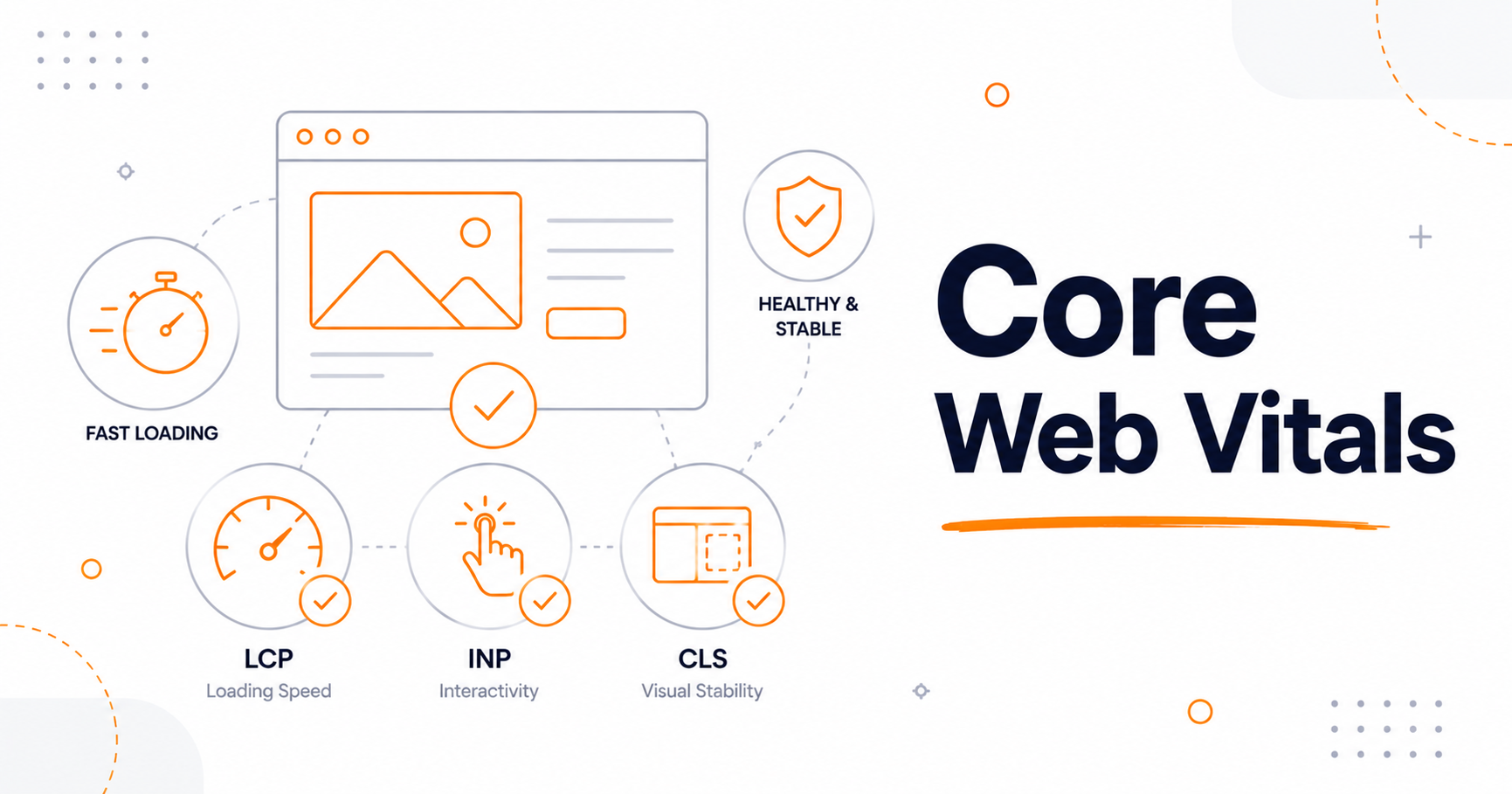
Core Web Vitals are a set of three metrics Google uses to measure the real-world experience of loading and interacting with a web page. Each one captures a different feeling:
- Largest Contentful Paint (LCP) — how quickly the main content appears. Does the page load fast?
- Interaction to Next Paint (INP) — how quickly the page responds when you tap, click or type. Does the page feel responsive?
- Cumulative Layout Shift (CLS) — how much the layout jumps around as it loads. Does the page stay visually stable?
Together they form part of Google's broader Page Experience signals, alongside things like HTTPS and mobile-friendliness. If you want the canonical definitions straight from the source, Google maintains an excellent reference on web.dev.
The Three Metrics and Their Thresholds
For each metric, Google assigns one of three ratings — Good, Needs Improvement, or Poor — based on fixed thresholds. Here is exactly where the lines are drawn in 2026:
1. Largest Contentful Paint (LCP) — loading speed
LCP measures how long it takes for the largest visible element (usually a hero image, banner, or big block of text) to render in the viewport.
- Good: 2.5 seconds or less
- Needs Improvement: 2.5 – 4 seconds
- Poor: over 4 seconds
2. Interaction to Next Paint (INP) — responsiveness
INP measures how quickly your page visually responds after a user interacts with it. Crucially, INP looks at every interaction during a visit — not just the first one. It replaced the older First Input Delay (FID) metric back in March 2024, and it has become the metric most sites struggle with.
- Good: 200 milliseconds or less
- Needs Improvement: 200 – 500 ms
- Poor: over 500 ms
3. Cumulative Layout Shift (CLS) — visual stability
CLS measures how much elements unexpectedly shift while the page loads. You've felt this when you go to tap a button and an ad suddenly pushes it down — that frustrating jump is exactly what CLS penalizes.
- Good: 0.1 or less
- Needs Improvement: 0.1 – 0.25
- Poor: above 0.25
Field Data vs. Lab Data: A Distinction That Trips Everyone Up
This is the part most guides gloss over, and it causes endless confusion. Google's official Core Web Vitals assessment is based on field data — real measurements from real Chrome users, collected in the Chrome User Experience Report (CrUX). Specifically, Google looks at the 75th percentile of your visitors over a rolling 28-day window. In plain terms: at least 75% of visits to a page need a "good" experience for that page to pass.
Tools like Lighthouse, on the other hand, produce lab data — a single simulated load on a controlled connection. Lab data is fantastic for diagnosing problems and testing fixes, but it is not what Google uses to grade you. So if your Lighthouse score looks great but Search Console still flags a URL, trust the field data: optimize for your real visitors, not the simulator.
Do Core Web Vitals Actually Affect Rankings?
Yes — but let's be honest about how much. Core Web Vitals are a confirmed ranking signal, yet a modest one. Google has been consistent that great content on a slightly slower page will usually still outrank thin content on a lightning-fast page. Speed is a tie-breaker, not a magic wand.
The bigger, more reliable payoff is on the business side. Faster, more stable pages keep people from bouncing, and they convert better — which is why performance work tends to pay for itself even before any ranking change shows up. Roughly half of all sites still fail at least one Core Web Vital, so simply getting all three into the green often puts you ahead of direct competitors. If you're building out a wider optimization plan, pair this guide with our on-page SEO checklist for 2026.
How to Measure Your Core Web Vitals
You don't need a paid suite to get started. A practical measurement stack looks like this:
- Google Search Console — the Core Web Vitals report shows which URLs pass or fail, grouped by issue, using real field data.
- PageSpeed Insights — enter any URL to see both field data (if available) and lab diagnostics in one place.
- Chrome DevTools / Lighthouse — for deeper, repeatable debugging while you test fixes.
- A quick site audit — our free Website SEO Score Checker gives you a fast, high-level read on where a page stands before you dig into specifics.
Start by measuring, then prioritize the single biggest gap — for most sites that's INP or LCP — and work through the fixes below in order.
How to Fix Each Core Web Vital
Improving LCP (make the page load faster)
Slow LCP almost always comes down to a heavy hero element or render-blocking resources. The highest-impact fixes:
- Compress your hero and above-the-fold images. Oversized images are the number-one cause of slow loads. Run them through a free image compressor before they ever reach your server, and serve them at the correct dimensions with our image resizer so the browser isn't downloading a 4000px photo to display it at 800px.
- Use modern formats like WebP or AVIF for meaningfully smaller files at the same visual quality. Our full guide to optimizing images for web and SEO walks through formats, sizing and alt text step by step.
- Preload the LCP image and inline critical CSS so the browser can paint the important stuff first.
- Trim render-blocking CSS and JavaScript. Minifying your assets removes unnecessary whitespace and characters; our CSS minifier and JavaScript minifier make this a two-minute job.
Improving INP (make the page respond faster)
INP is the toughest of the three because it usually requires rethinking how your JavaScript runs, not just compressing a file. Focus on:
- Breaking up long tasks. When a single script monopolizes the main thread, taps and clicks have to wait. Split heavy work into smaller chunks and yield back to the browser between them.
- Deferring non-critical scripts. Load third-party widgets, chat boxes and analytics after the page is interactive, not before.
- Reducing total JavaScript. Less code means less work on every interaction. Audit what you ship, remove unused libraries, and minify your HTML and scripts to keep payloads lean.
Improving CLS (keep the layout stable)
CLS is often the quickest win because the fixes are mechanical:
- Set explicit width and height (or a CSS aspect-ratio) on every image, video, iframe and ad slot, so the browser reserves the space before the asset loads.
- Reserve space for dynamic content like banners, cookie notices and embeds instead of letting them push content down.
- Use
font-display: swapand preload key fonts to avoid text reflowing when a custom font finally arrives.
A Quick Core Web Vitals Checklist
- Measure field data in Search Console and PageSpeed Insights (not just Lighthouse).
- Fix the biggest failing metric first — usually INP or LCP.
- Compress and correctly size every image; switch to WebP/AVIF where you can.
- Minify and defer CSS and JavaScript; preload your LCP image.
- Add explicit dimensions to all media and ad slots.
- Re-test after each change, and re-audit quarterly — regressions sneak in over time.
Frequently Asked Questions
What are good Core Web Vitals scores in 2026?
LCP of 2.5 seconds or less, INP of 200 milliseconds or less, and CLS of 0.1 or less — all measured at the 75th percentile of your real visitors.
What replaced First Input Delay (FID)?
Interaction to Next Paint (INP) replaced FID in March 2024. Unlike FID, which only looked at the first interaction, INP measures responsiveness across all interactions during a visit.
Why does my Lighthouse score look great but Search Console still fails?
Lighthouse reports lab data from a single simulated load, while Google grades you on field data from real users in the Chrome UX Report. Always prioritize the field data.
How often should I check Core Web Vitals?
Treat it as an ongoing habit. Re-audit at least quarterly, and always re-test after a major deploy, theme change, or new third-party script — these are the usual culprits behind sudden regressions.
Final Thoughts
Core Web Vitals aren't an academic exercise — they're a proxy for how your site actually feels to the people using it. Get LCP, INP and CLS into the green and you'll have a page that loads fast, responds instantly, and doesn't jump around. That's better for your visitors, better for conversions, and a quiet, reliable advantage in search.
Start small: measure today, fix the biggest gap this week, and keep an eye on it from there. When you're ready to go further, our content creator's toolkit for 2026 and our roundup of the best SEO tools will help you build the rest of your workflow around fast, search-ready pages.